1-How can I know my number?
There are two simple methods:
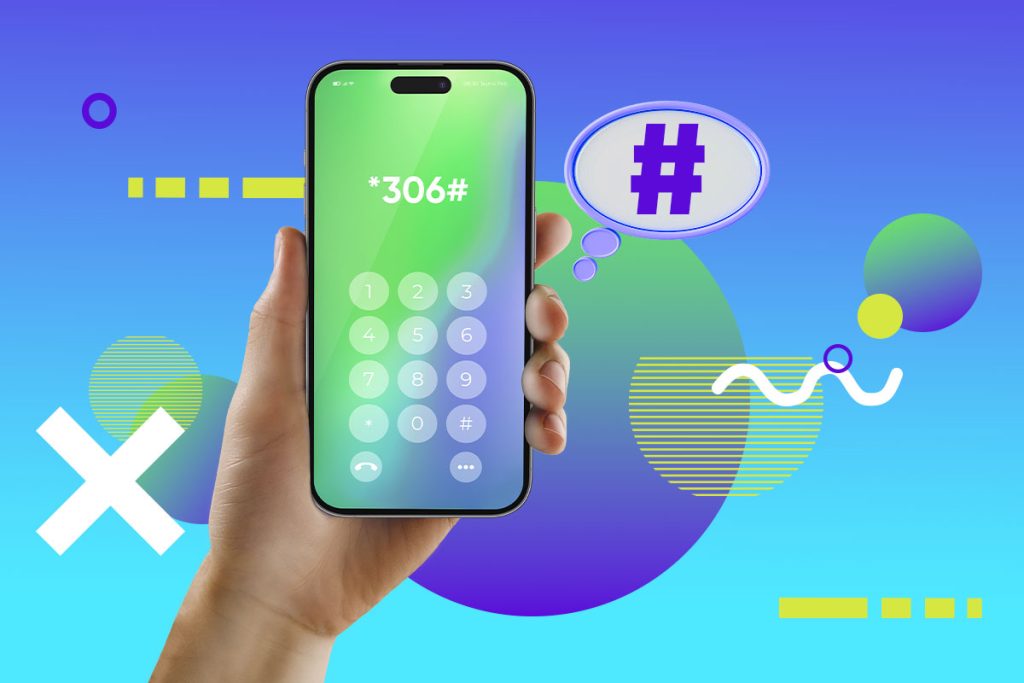
- Dial *306# and you will see your number on the screen.
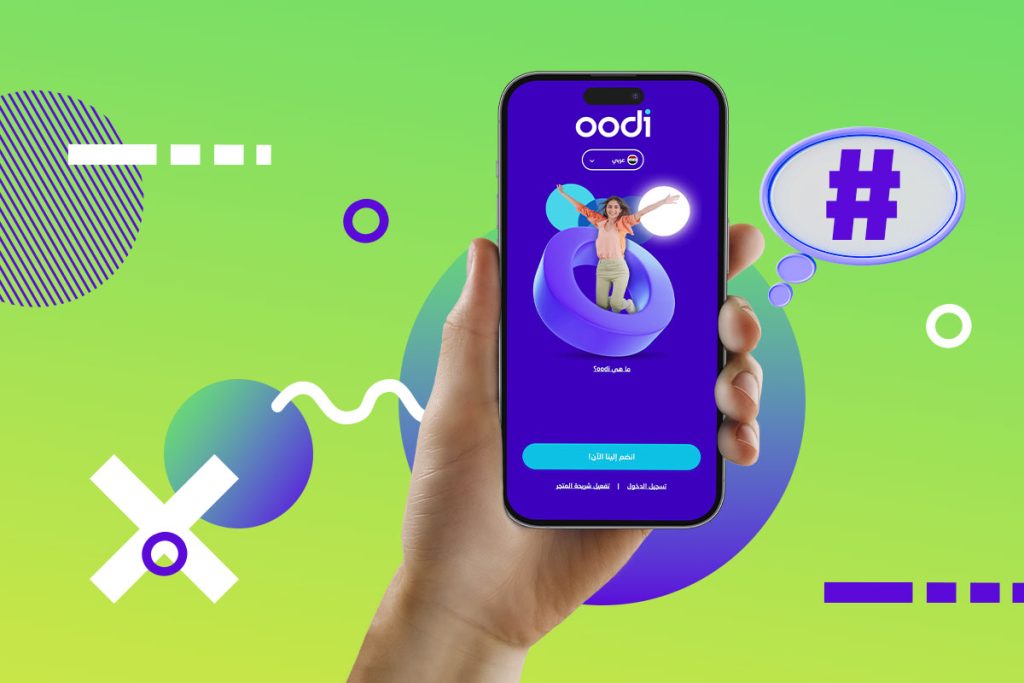
- Or go to the oodi app, log into your account, and you will see your number directly on the homepage.
2-How can I change my password?
If you are currently logged out of your oodi app follow these steps below:
- Log in from the main page.
- Press “forgot password.”
- Enter your oodi number or your email address associated with the account.
- You will receive a verification code.
- Enter the received verification code.
- Type your new password and confirm it.
You’re all set!
3-How to change my email address?
It’s very easy, just follow these steps:
- Log into the oodi app now! And select “Settings.”
- Select “Change email” and enter the new one.
- Confirm the OTP you receive by SMS, your new email will be updated automatically!